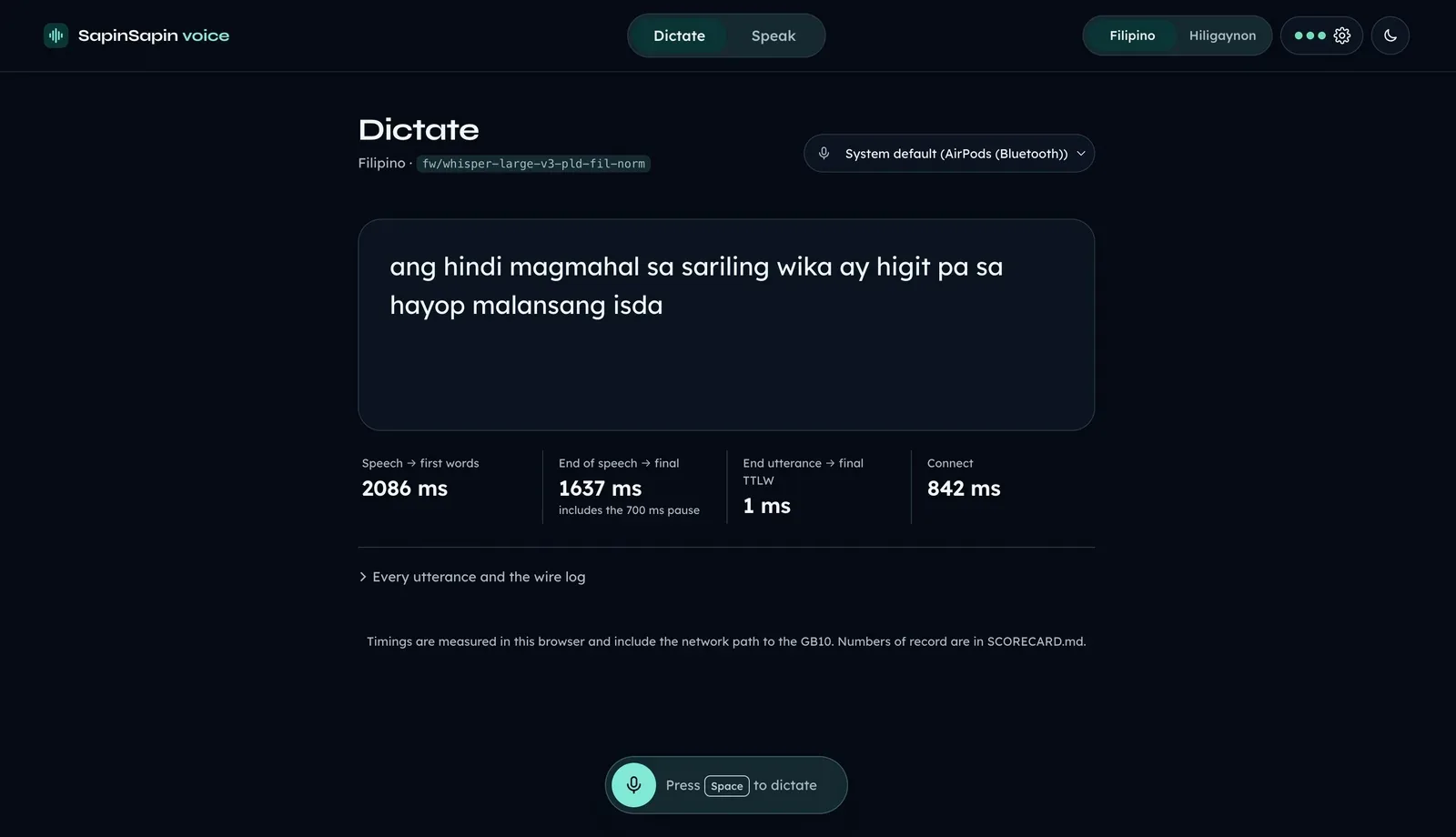
Back when I was working on CLI harnesses, I ran my agents in plain terminals. First the default macOS Terminal, then WezTerm, which is still my main terminal.
Five tabs. Five agents. None of them said a word.
Tab 3 could have been done for twenty minutes. Tab 1 could have been waiting on me the whole time, too polite to mention it. The only way to find out was to click through every tab by hand, and by the time I reached tab 2, I had forgotten what tab 2 was for.
Herdr fixed that. This post is a note for future me about why I use it, and for anyone who asks about my setup.
The image at the top is four scenes from Dune, drawn in ASCII. I became a Dune fan through the movies, then got so into the lore that it was the obvious theme. A master session in Herdr spawned four agents, Claude Code, Codex, oh-my-pi, and OpenCode, and gave each one a scene to animate. This is the tab where they did the work. I explain how the master and child setup works later, in the section on one session per project. If you want to see the scenes move, I posted the video on X.
Why It Had to Stay in the Terminal
Earlier this year, I had an agentic interview where I could use any harness I wanted. I picked Claude Code, since I was on a Claude Max subscription at the time. My interviewer asked why I still use CLI apps.
My answer came from a Grab ride. I was working on a project over poor mobile data, and on GUI harnesses every request took too long. Inside Herdr, which is a terminal app too, Claude Code, Codex, and oh-my-pi stayed fast. The terminal did not notice the signal was bad.
I found Herdr around the time I went deep on configuring my Neovim setup. That is a sentence only terminal people write. I know.
Herdr runs inside the terminal I already live in. It did not ask me to move. The first commit in my private herdr-config repo is dated September 25, 2026, and I was using Herdr before I started tracking the config.
What Herdr Shows Me
Every agent shows up in one panel, in one of three moods: done, blocked on my input, or still working. I read one list and go to the agent that needs me.
Herdr is quiet until someone needs me. On my MacBook Pro M5, it sends system-level notifications, so even with a movie playing in another window, I know the moment an agent finishes.
When a notification arrives, what it really means is that nobody needed me until now.
One Session per Project, One Master Tab
Each project gets its own Herdr session, and each session sits in its own WezTerm tab. One for SapinSapin AI, one for CultureHub, and a default session for my personal projects. Switching projects is just switching WezTerm tabs.
Each session runs at least five agents. A master tab controls the others: child tabs take tasks from it and report back. It is a middle manager, and the only one I have liked. That is how I delegate and finish big epics.
The master tab is my workflow, not a Herdr button. Herdr gives agents a CLI, a socket API, and an agent skill so they can spawn panes, prompt each other, and wait until another agent is blocked. I built the delegation on top of that.
I wrote about how I got into harness work in We Trained the Model. Now We Train the Loop, in the section where I move from chatbots to agents to harnesses.
My Whole Setup Is a File in Git
Herdr has opinions about almost nothing. It lets me have all of them. I moved tab, workspace, and agent navigation onto the arrow keys, set my own teal theme, and switched notifications to the system. As of November 2026, the relevant part looks like this:
[keys]
previous_tab = "prefix+left"
next_tab = "prefix+right"
previous_workspace = "prefix+shift+left"
next_workspace = "prefix+shift+right"
previous_agent = "prefix+alt+left"
next_agent = "prefix+alt+right"

[ui.toast]
delivery = "system"
On another device, I pull my herdr-config repo and my keybindings, theme, and notifications come with me.
Plenty of GUI apps have settings sync. I know. Mine is a text file I can read, diff, and commit like any other code.
The Time I Get Back
I finish movies now.
Before Herdr, my attention went to checking tabs. Now it goes to the next task, and between tasks, to whatever else I am doing.
My agents tell me when they need me, instead of me checking on them.